plant monitoring
BloomBuddy - Plant Monitoring Platform
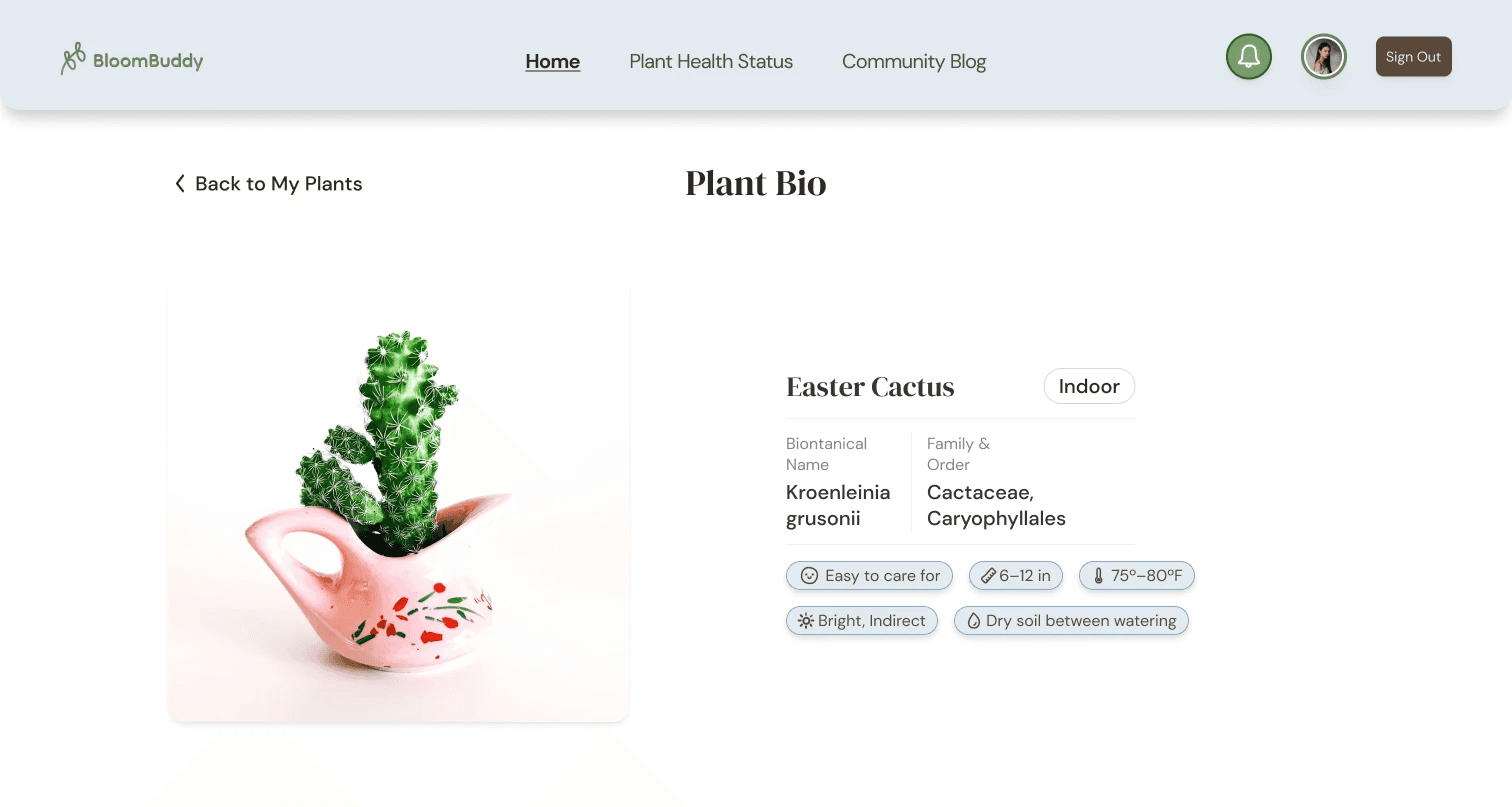

BloomBuddy is a comprehensive plant health monitoring system designed to bridge the gap between amateur plant enthusiasts and the complex biological needs of indoor flora. The system combines a mobile application with conceptual smart-sensor technology to provide real-time data, automated care schedules, and AI-driven health diagnostics.
Timeline
8 weeks, from concept ideation and prototyping to usability testing and high-fidelity design.
Responsibility
Interaction Designer & Product Designer. I owned the end-to-end design system, the architecture of the "My Garden" dashboard, and the interaction model for the AI-powered "Plant Diagnosis" feature.
Goal
To reduce "plant parent" anxiety by providing an intuitive, data-driven environment that simplifies technical plant care into actionable daily tasks.
Many indoor plant owners struggle with "plant blindness"—the inability to accurately gauge a plant's health until it is too late—leading to high plant mortality and user frustration.
Users Interviewed
We conducted 6 semi-structured interviews and received 22 survey responses to understand primary pain points in domestic plant care.
Observed Behaviors
Users often rely on inconsistent "finger-poking" to test soil or wait for visible wilting before watering. Information seeking is currently fragmented across disparate Google searches and social media groups.
Direct Quotes
"I feel guilty every time I kill a plant, but I just don't know what it needs."
One participant noted that their care routine was "purely reactive" rather than preventative.
We analyzed existing market leaders like PlantNet, PictureThis, and Greg.Apple/Google Photos
The Gap: While existing apps identify plants well, they lack real-time physiological data integration (IoT) and often provide generic care instructions that don't account for the user's specific home environment.


Our research focused on the intersection of human empathy and biological data, aiming to turn complex sensor readings into a "buddy" relationship.
Competitive Analysis Finding
Most apps fail because they feel like "homework"; they require manual logging that users eventually abandon.
Key Synthesis Artifact
We utilized Empathy Mapping and User Personas (e.g., "Hobbyist Hannah") to cluster user frustrations around technical jargon and inconsistent reminders.
Key Insight
Users don't want "data"—they want instruction. They prefer a system that tells them what to do rather than just what the moisture level is.
Design Direction:
This drove a strategy to prioritize a "Today's Tasks" view, using real-time sensor data to automate the scheduling of watering, fertilizing, and pruning.
User Storyboards


Our design process involved iterative testing to transform complex botanical data into a clean, minimalist interface.
Decision 1: Moving from Data-Heavy to Task-Centric Dashboards
The Failure
Early wireframes displayed moisture, light, and temperature percentages prominently, which users found confusing and difficult to act upon.
The Pivot
We redesigned the "My Garden" dashboard to lead with "Urgent Care Tasks"—using the sensor data to trigger simple "Water Now" or "Move to Sun" notifications.
The Result
Usability testing showed that users felt more confident and less overwhelmed by the technical requirements of plant care.
Decision 2: The "Diagnosis" vs. "Library" Hierarchy
The Failure
Users struggled to find help for dying plants because the "Diagnosis" tool was buried within the general plant library.
The Pivot
We promoted the AI Camera Diagnosis tool to a primary navigation element, allowing users to scan a leaf and receive an instant health assessment.
The Result
Participants in the final test round successfully diagnosed a simulated "pest issue" 40% faster than in the initial low-fi round.
Decision 3: Simplifying the "Onboarding/Plant ID" Flow
The Failure
The initial plant-adding process required too much manual input (species, age, pot size), leading to high drop-off during testing.
The Pivot
We implemented an "Auto-ID" scanner that fills in the plant's profile and links it to the appropriate sensor frequency automatically.
The Result
This reduced the friction of growing a digital garden, allowing users to add multiple plants in seconds.
The final BloomBuddy prototype is a high-fidelity interaction model that acts as a proactive digital gardener.
My Garden Dashboard
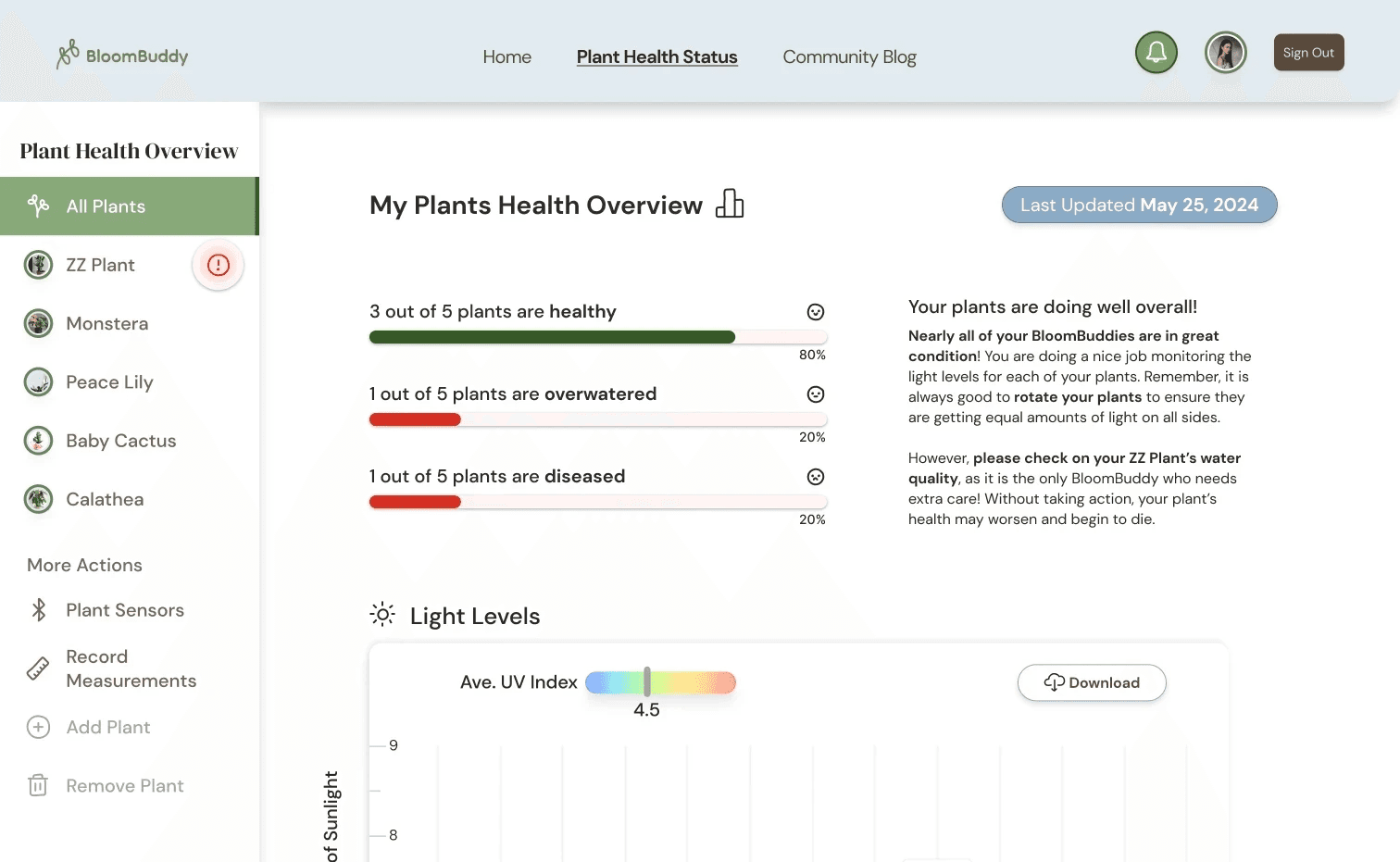
A centralized hub that categorizes plants by health status and care urgency, supported by high-contrast visual cues.
AI Health Scan
A computer-vision interaction that identifies diseases and pests in real-time, providing immediate organic or chemical solutions.
IoT Sensor Sync
A seamless conceptual integration where soil moisture and ambient light are reflected in a "Health Meter," removing the guesswork from plant care.
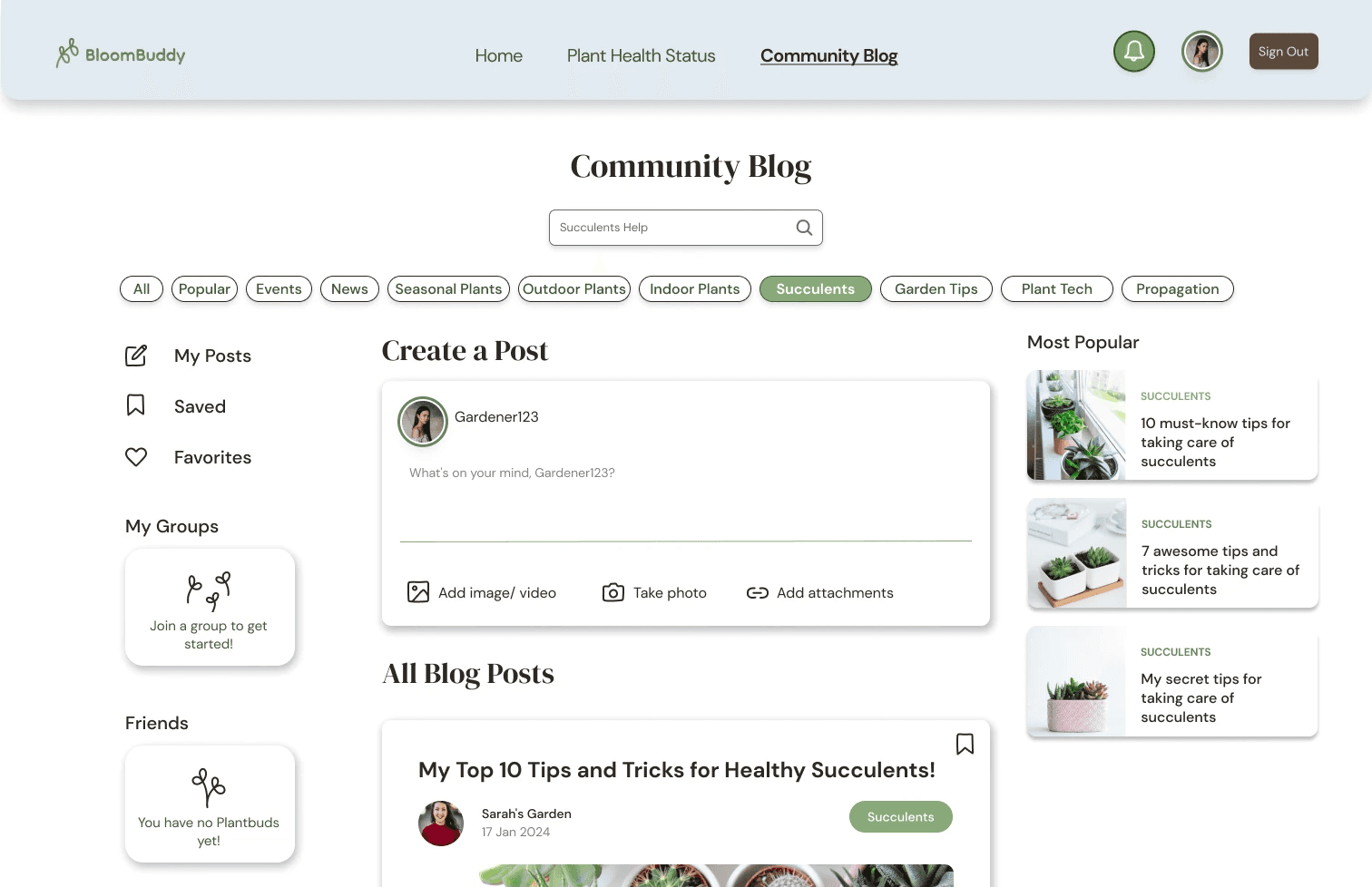
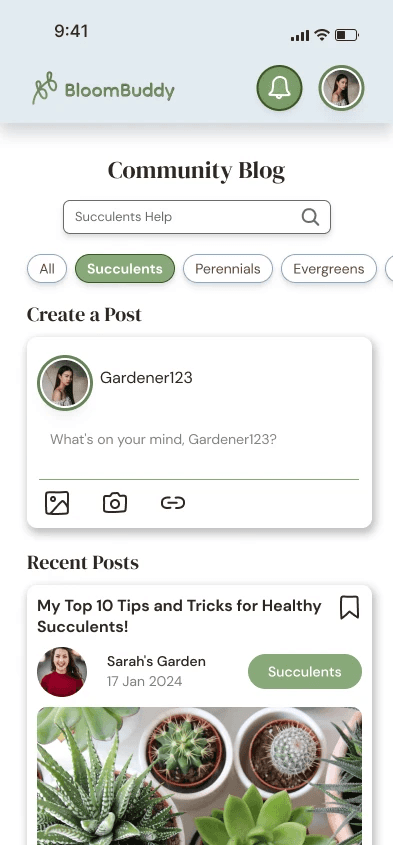

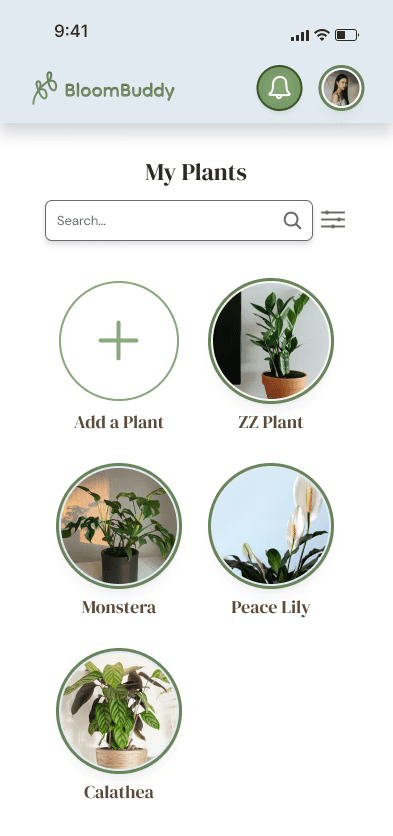
BloomBuddy redefined the user’s relationship with their indoor environment, moving from anxiety to expertise.
Intuitiveness Score
In the final usability round, 100% of participants successfully completed the core task of "Identifying and watering a thirsty plant" without assistance.
Behavioral Shift
Testing validated that by automating the "logging" through sensors, users remained engaged with the app longer than they did with manual competitors.
Metrics of Success
4 usability test participants reported a significant decrease in "care-related stress" when using the task-based dashboard.
The Visual Hierarchy was specifically lauded for making the "Diagnosis" feature feel "trustworthy and professional".
Conclusion
By combining IoT precision with human-centered task management, BloomBuddy ensures that the joy of indoor gardening is never overshadowed by the complexity of biological maintenance.